Skip to content

Projection mapping without rebuilding your table

TabletopFX adds a calibrated digital layer to physical terrain. Here is how the computer, projector and tabletop work together.

The basic setup

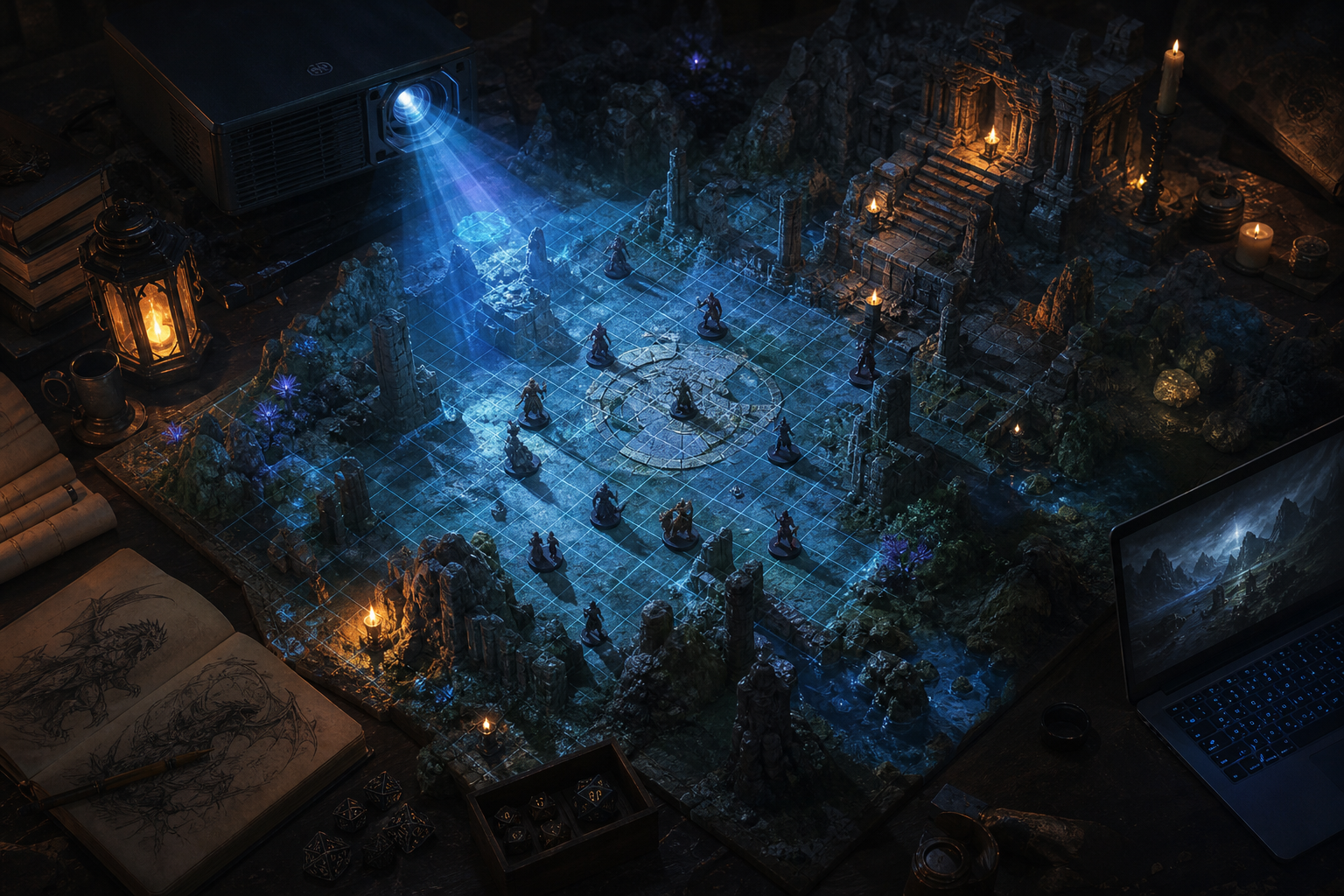
The computer runs the private DM interface. A second display output is sent to the projector. TabletopFX renders the encounter from above, corrects the image for the projector angle and places the finished output over the physical play area.

Projector-lit studio tabletop with 3D terrain objects and miniatures
The basic setup — projector output over physical terrain

Overhead, offset or short throw

The cleanest setup usually places the projector above the table, but TabletopFX also includes four-corner perspective correction for installations that cannot be perfectly centred. The available throw distance, room height and risk of shadows should guide projector placement.

Match digital units to physical dimensions

Enter the projector resolution, the width and height of the surface, and the size of each grid cell. TabletopFX uses these values to keep the projected grid and effects aligned with the real terrain.

Correct perspective

Move each calibration corner until the projected boundary follows the intended play area. The application calculates a perspective transformation between the rectangular render and the adjusted projector shape.

Calibrate once, reuse later

Save the completed projection configuration locally. Returning to the same table and projector arrangement should require only minor adjustment.

Select, place and trigger

Use the private DM view to select grid cells, place lights, trigger effects and manage sound. Players see only the finished projection.

Dramatic dungeon encounter with miniatures and projected lighting on the tabletop
TabletopFX — projected encounter atmosphere

FAQ

  • Does it replace physical terrain?

    No. TabletopFX is intended to enhance miniatures, modular terrain, printed maps and physical scenery.

  • Does it require internet access?

    Core projection and local effects are designed to run on the host computer. Optional online integrations may require internet access.

  • Does the projector need to be perfectly overhead?

    No, but a centred overhead position generally produces the easiest setup and the fewest shadows. Four-corner correction can compensate for moderate offsets and angles.

  • Will it work on any terrain?

    Projection quality depends on surface colour, reflectivity, height, room lighting and projector brightness. Matte, neutral-coloured surfaces generally produce the clearest results.

  • Does it automatically recognise terrain tiles?

    Not currently. The development build uses manual dimensions, grid controls, calibration corners and optional user-created masks.