Skip to content

DESKTOP PROJECTION CONTROL FOR TABLETOP RPGs

Run the effects. Keep control of the table.

TabletopFX combines a private DM workspace with a clean projector output. Calibrate the image to physical terrain, target the battle grid, place dynamic lights, trigger animated effects and control the soundscape from one application.

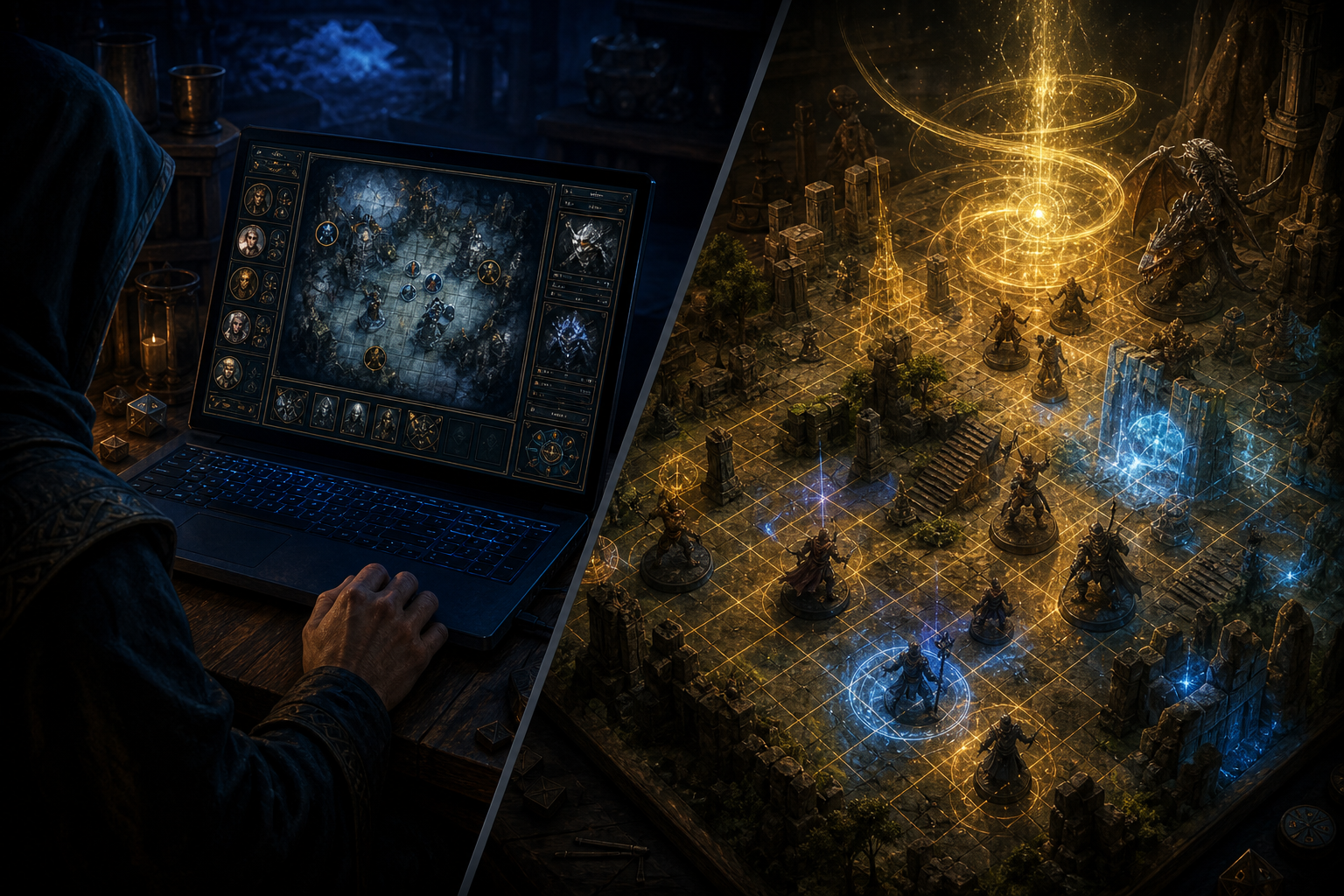
One application, two views

TabletopFX keeps the Game Master interface private while the projection output stays clean for players.

Your controls stay off the battlefield

TabletopFX opens a separate projection window for the players while the Game Master retains the complete control interface. The two views share the same scene, allowing changes made in the DM workspace to appear immediately on the projected table. DM view: calibration, targeting, effect controls and object management. Projection view: grid, lighting, atmosphere and animated effects.

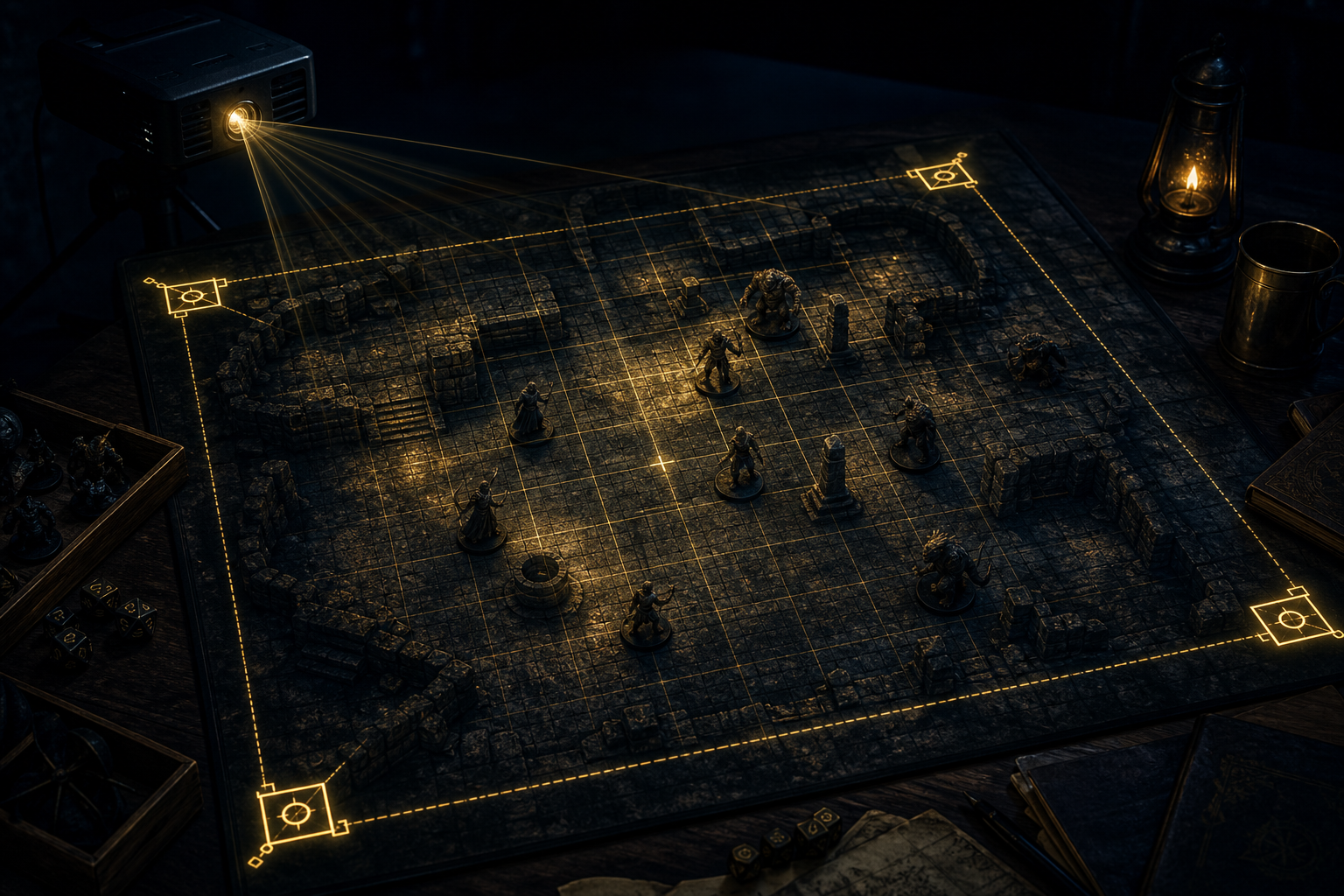
Fit the image to the real surface

Every room, projector and table is different. Configure projector resolution and output display, enter physical table dimensions, set grid cell size, adjust position, rotation and scale, flip axes for ceiling or rear-projection setups, and move four calibration corners to correct perspective. Save configurations locally for later sessions. Calibration is manual and homography-based — not automatic or tile-aware.

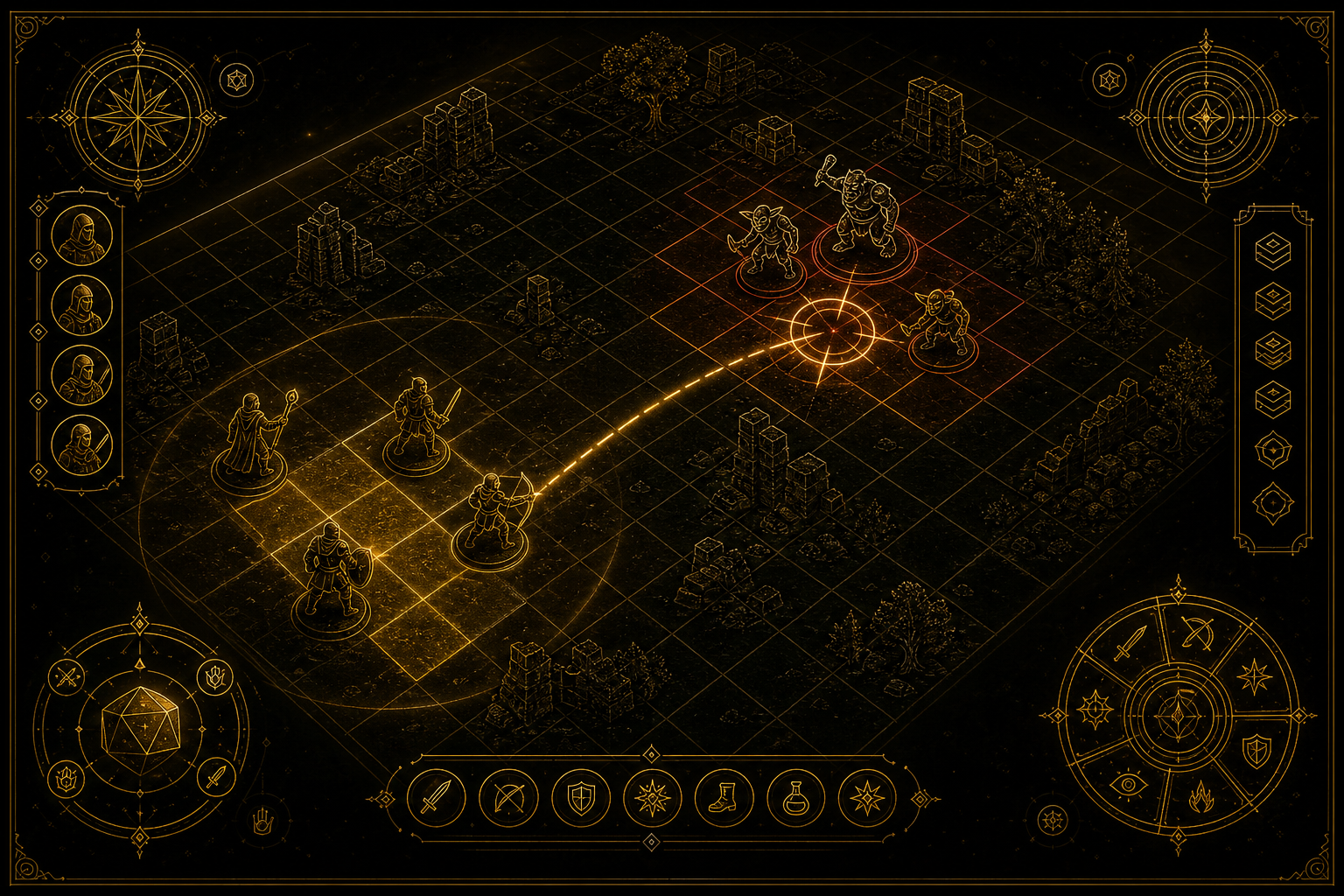
A projected grid that understands position

Configure the number and size of grid cells to match the encounter. Hover and select cells from the DM view, place effects at cell centres, and locate selectable objects already present in the same area.

More capabilities

  • Paint the encounter with light

    Add light sources directly to selected cells and customise their appearance. Presets include Candle, Torch, Lantern, Arcane Glow, Healing Light, Moonlight, Lava Light, Electric Arc, God Ray and Blood Ritual. Advanced controls cover colour, radius, softness, pulse, flicker, falloff, colour shift, sparkle, shape, direction and ripple. Lights can be tagged, selected, cleared together or removed by group.
  • Motion where the action is

    TabletopFX includes a modular system for animated environmental, magical and creature effects. Effects can follow paths, appear in controlled batches and return to a reusable pool after completion. Current development examples include fire, fog, magical wisps, bat flyovers and flash or distortion experiments.
  • Build the scene with sound

    Mix looping environmental layers with immediate one-shot cues. Start or stop individual ambience tracks, control their volume, mark favourites and trigger dramatic sounds at the moment they matter. Examples include wind, fire, water drips, creature calls, thunder, weapon impacts, spell casts and dramatic stings. Sound libraries and licensing will vary by release package.
  • Tell effects where the terrain is

    Experimental workflow
    Load a reference image and create named mask layers for different parts of the battlefield. Draw polygons, freehand regions, rectangles, ellipses, arcs and curves; then edit, move, rotate, scale or delete them. Mask projects can be saved and loaded as local files. Integration with the main effect system is in progress.
  • Campaign information where the DM needs it

    TabletopFX includes early work on optional campaign-data integration, including character names, portraits, initiative values and hit points. This functionality is experimental and may require a supported third-party account and internet connection. This is not cloud saves, cross-progression or full campaign management.
  • The core table does not depend on the cloud

    Projection, calibration, effects and locally stored configuration are designed to run on the Game Master’s computer. Optional online integrations may require a connection, but the projection system itself is being built for reliable use at the table.

What you need

  • Computer: A modern desktop or laptop with a dedicated video output for the projector. A second monitor is recommended when the laptop display is not used as the DM screen.
  • Projector: A projector with a suitable throw distance and enough brightness for the room and projection surface. Ceiling-mounted, short-throw and offset installations may require different calibration.
  • Surface: A matte or low-glare play surface gives better contrast than glossy white terrain. Results vary with room lighting, terrain colour and projector brightness.
  • Connection: HDMI, DisplayPort or USB-C video output, depending on the computer and projector.

Request a Setup Compatibility Check

Gaming workstation with projector and tabletop RPG setup
What you need — computer, projector and play surface

Join the development build

Beta participants help test calibration across different tables, projectors and terrain layouts. Feedback is used to improve installation, performance, effect controls and the Game Master workflow.

Apply for Beta Access