
Skip to content
Hero background

TABLETOPFX BY EVERNIGHT REALMS

Make the table feel alive.

Project light, effects and sound onto your physical table—with private Game Master controls.

Local desktop application · Separate DM and projector displays · Built for physical terrain

Keep the terrain. Add the magic.

TabletopFX does not replace miniatures, scenery or the shared table. It adds a responsive layer of light, motion and atmosphere around them.

Calibrate the projection—not your terrain

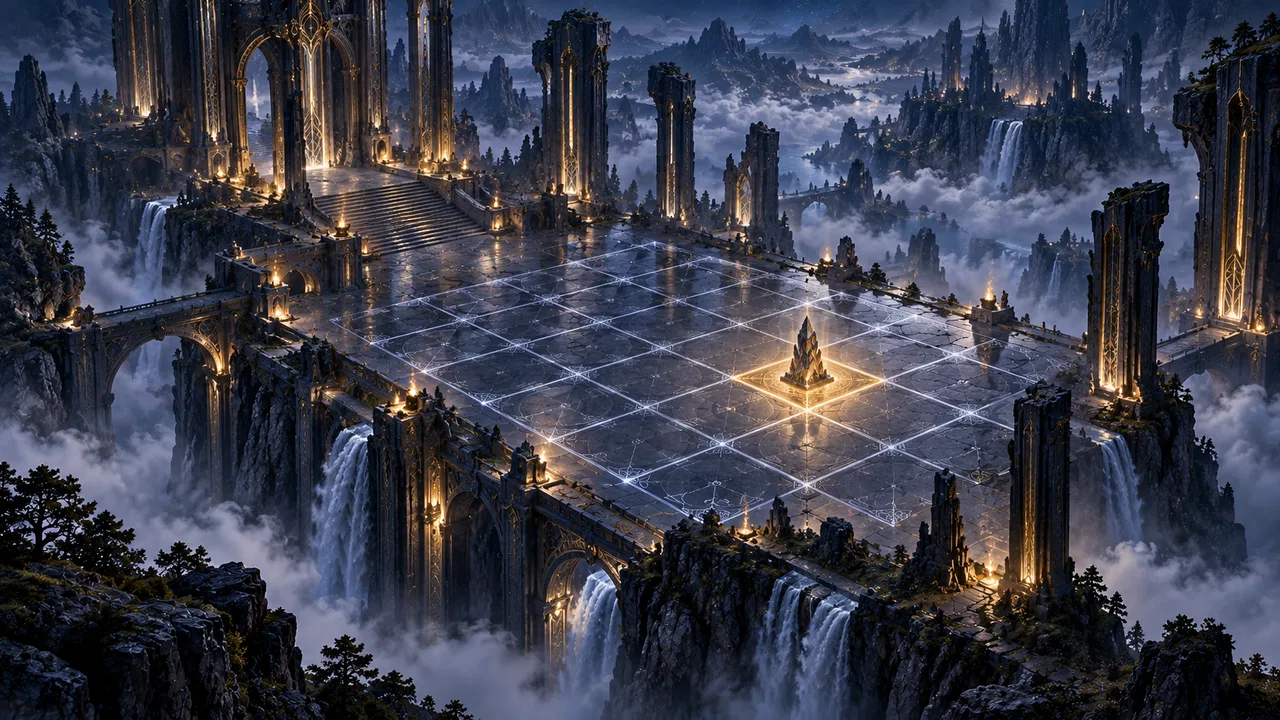
Align any compatible projector setup to your physical table and grid. Four-corner perspective controls help angled installs without moving scenery.

Place light exactly where the story happens

Select a grid cell and place torches, moonlight, arcane glows and beacons directly on the battlefield from the private DM view.

Let spells and environments move

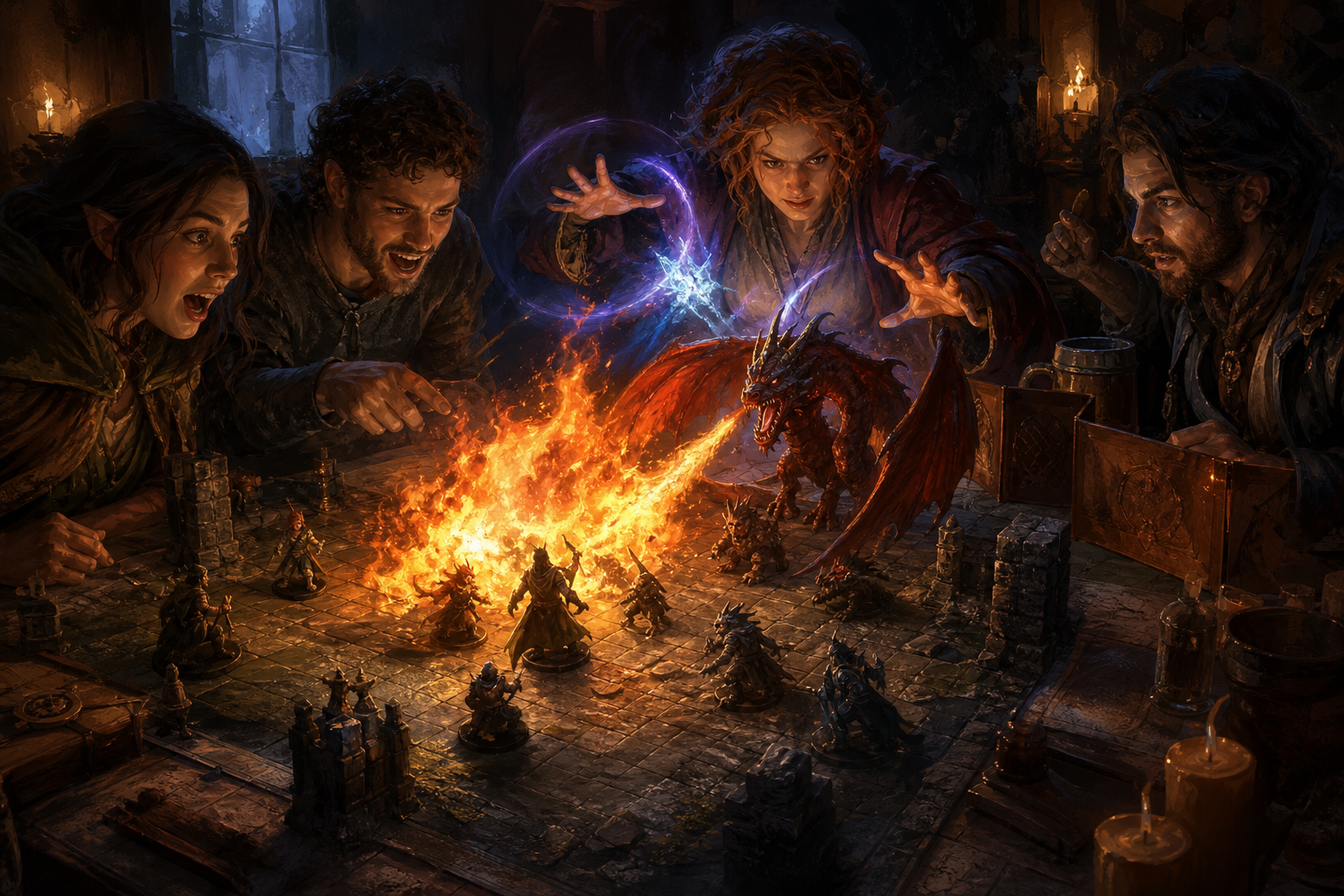
Add animated fire, drifting fog, magical wisps and creature flyovers to the projected table—without interrupting play at the table.

More capabilities

  • Build the atmosphere with sound

    Layer looping ambience beneath one-shot cues such as thunder, spell casts and dramatic stings.
  • A grid that follows the encounter

    Display a projected grid, highlight cells and position lights and effects with the same spatial structure used for movement.
  • Build reusable terrain masks

    Beta tool
    Draw rooms, pathways, water and lava regions over a reference image and save layouts for reuse.

See all capabilities

From blank table to living battlefield

  1. Step 1: Project

    Connect a compatible projector and open the separate projection output. The DM interface stays on your main screen while the table receives a clean battlefield view.

    Project — TabletopFX workflow step
  2. Step 2: Place Terrain

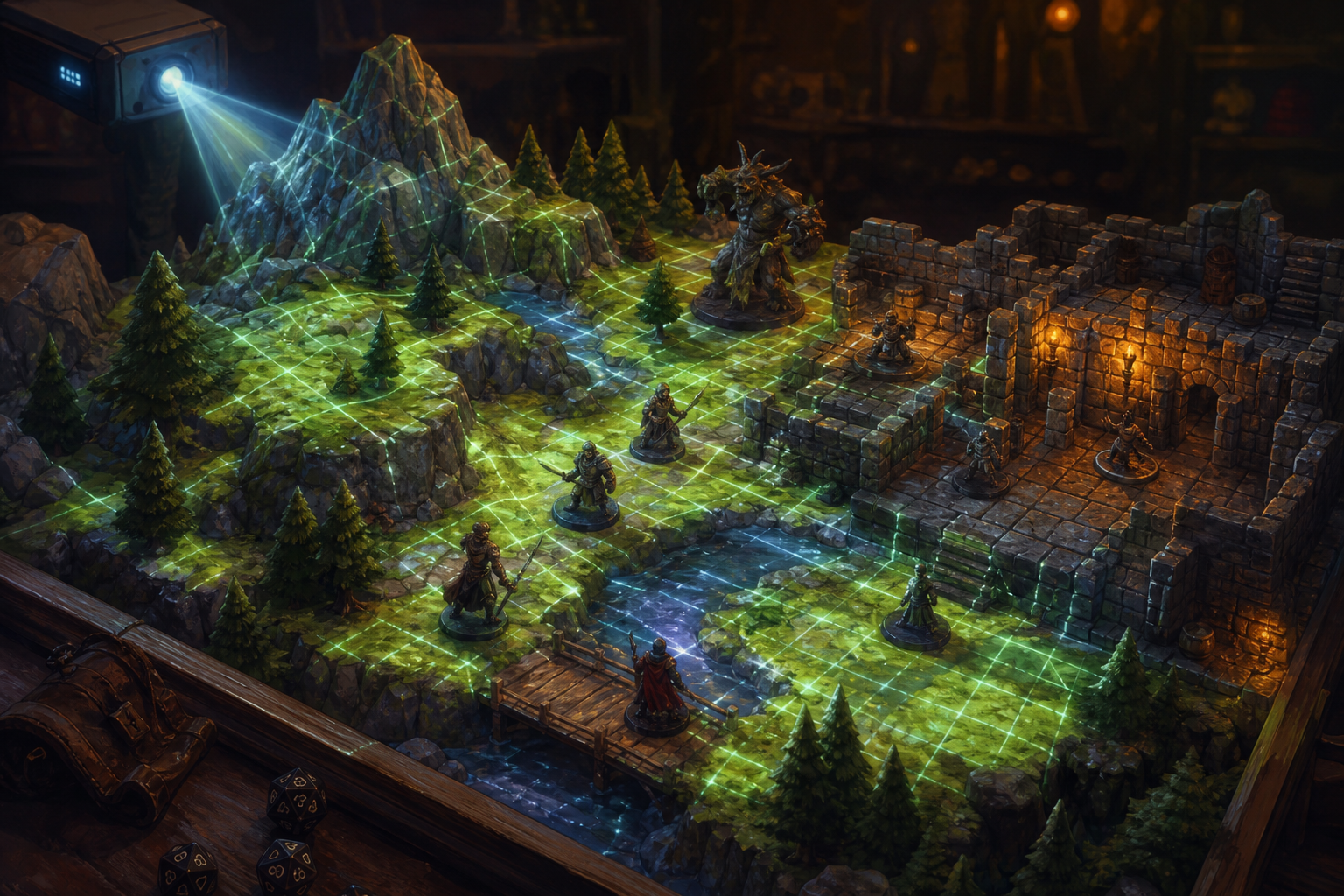
    Set table and projector dimensions, align the grid, and adjust the four projection corners until the image follows your physical terrain.

    Place Terrain — TabletopFX workflow step
  3. Step 3: Play

    Select cells, place lighting, trigger animated effects, and layer ambient sound while players stay focused on miniatures at the table.

    Play — TabletopFX workflow step

SEPARATE GM AND PROJECTOR DISPLAYS

A clean player view. Full control for the GM.

Players see only the battlefield. The GM retains private access to calibration, lighting, effects, masks, sound and encounter controls.

  • Private calibration and grid tools on the GM display
  • Lighting, effects and masks placed without exposing controls at the table
  • Separate projector output shows only the battlefield
  • Sound and atmosphere controlled without interrupting play

GAME MASTER VIEW

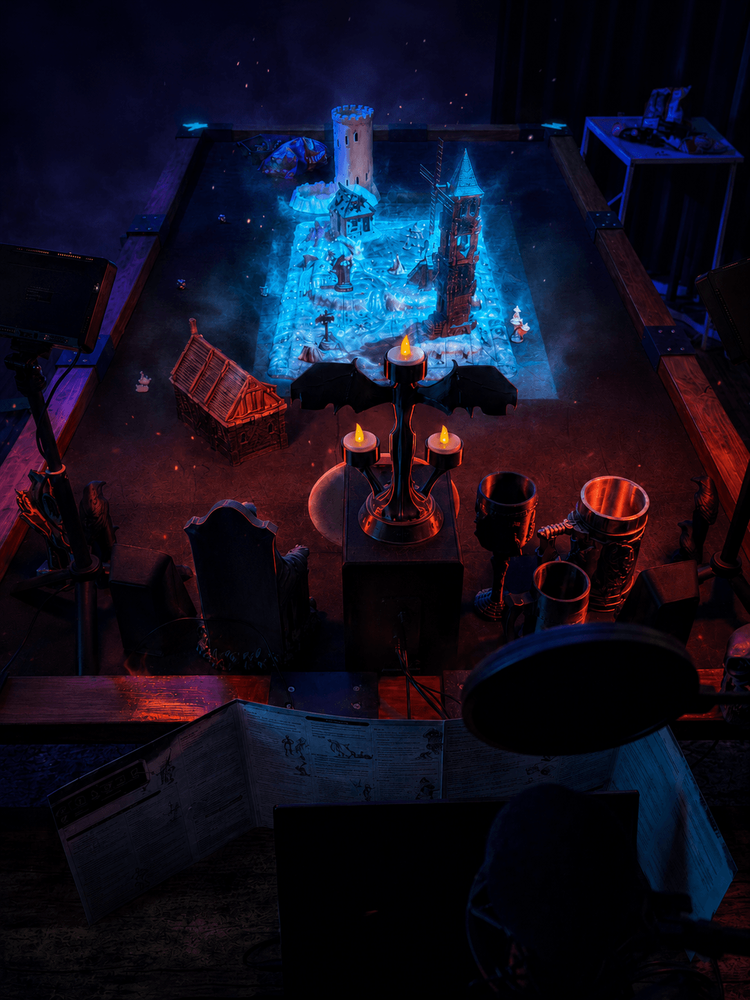
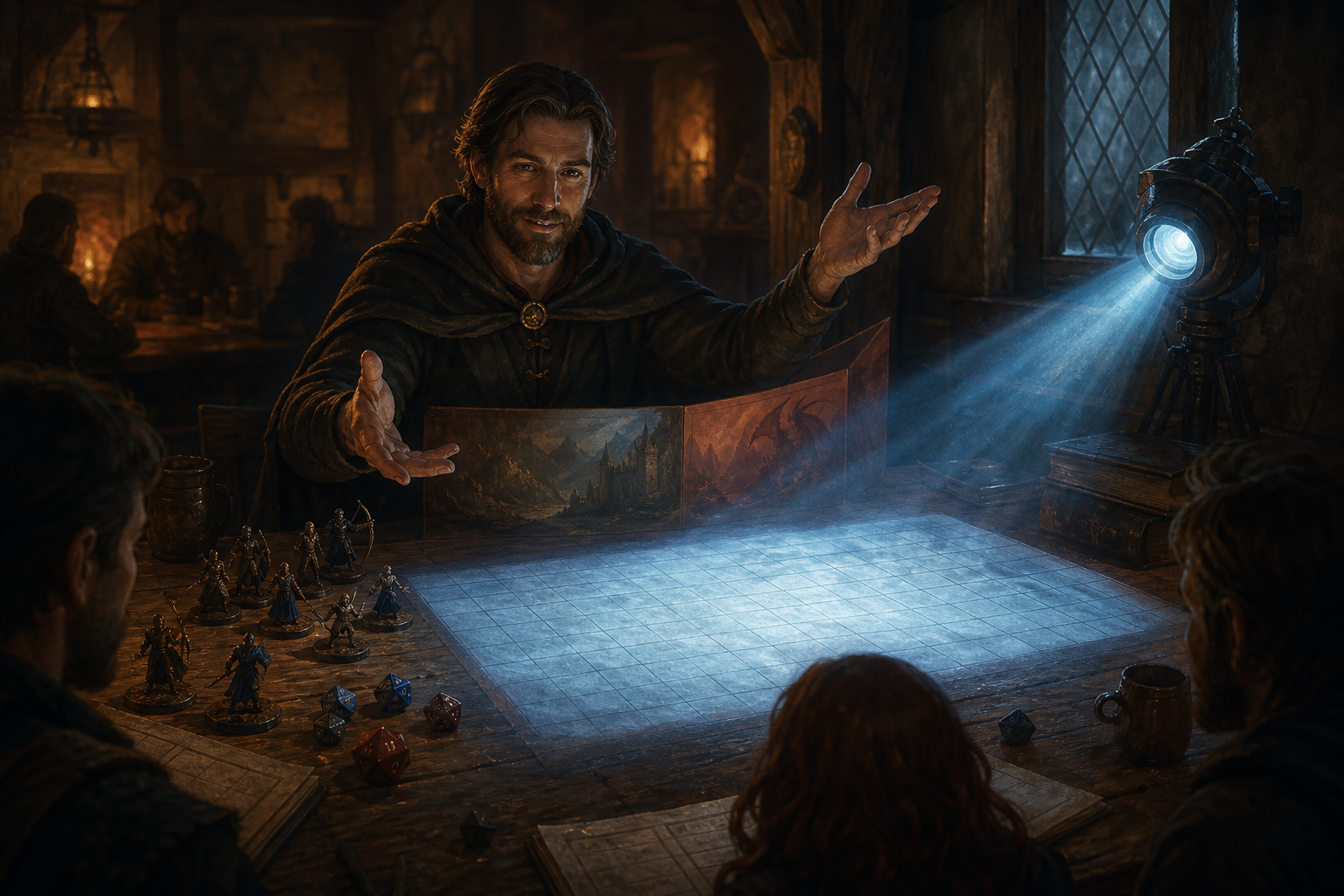
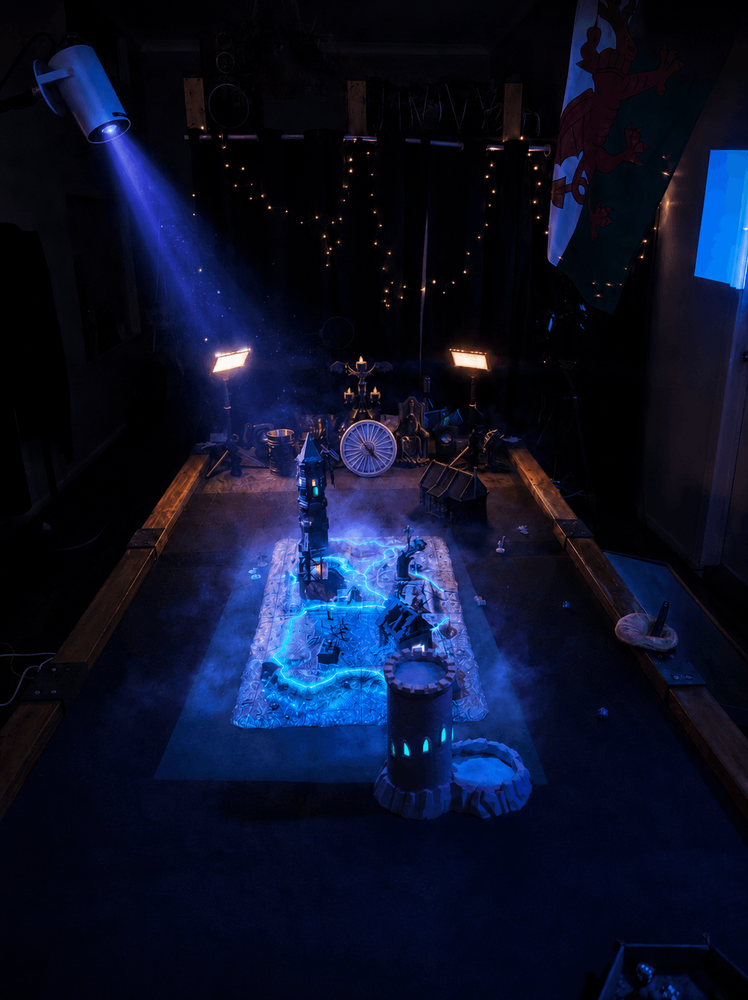
Fantasy battlemap illuminated by blue lights, viewed from the Game Master position

GAME MASTER VIEW

Fantasy battlemap illuminated by blue lights, viewed from the Game Master position
  • Private calibration and grid tools on the GM display
  • Lighting, effects and masks placed without exposing controls at the table
  • Separate projector output shows only the battlefield
  • Sound and atmosphere controlled without interrupting play

CRAFT & PROGRESS

Built in public, tested at the table

TabletopFX is under active development and being refined through real tabletop use. Current builds already support multi-display projection, manual calibration, interactive lighting, animated effects and integrated sound.

  • ACTIVE DEVELOPMENT
  • BETA APPLICATIONS OPEN
  • LOCAL DESKTOP APP
  • ROADMAP PUBLISHED
  1. Current Development
  2. Closed Beta
  3. Wider Release